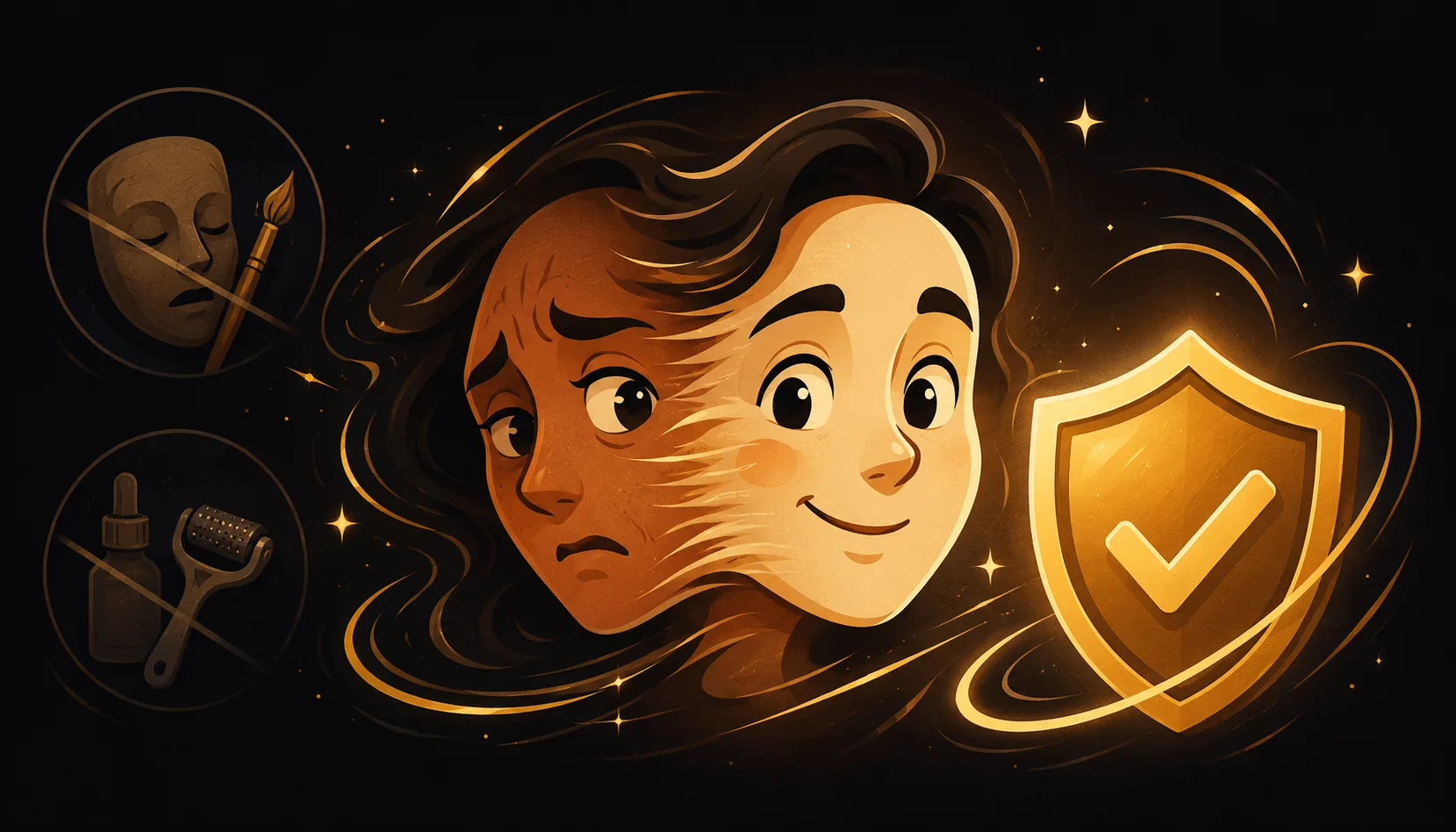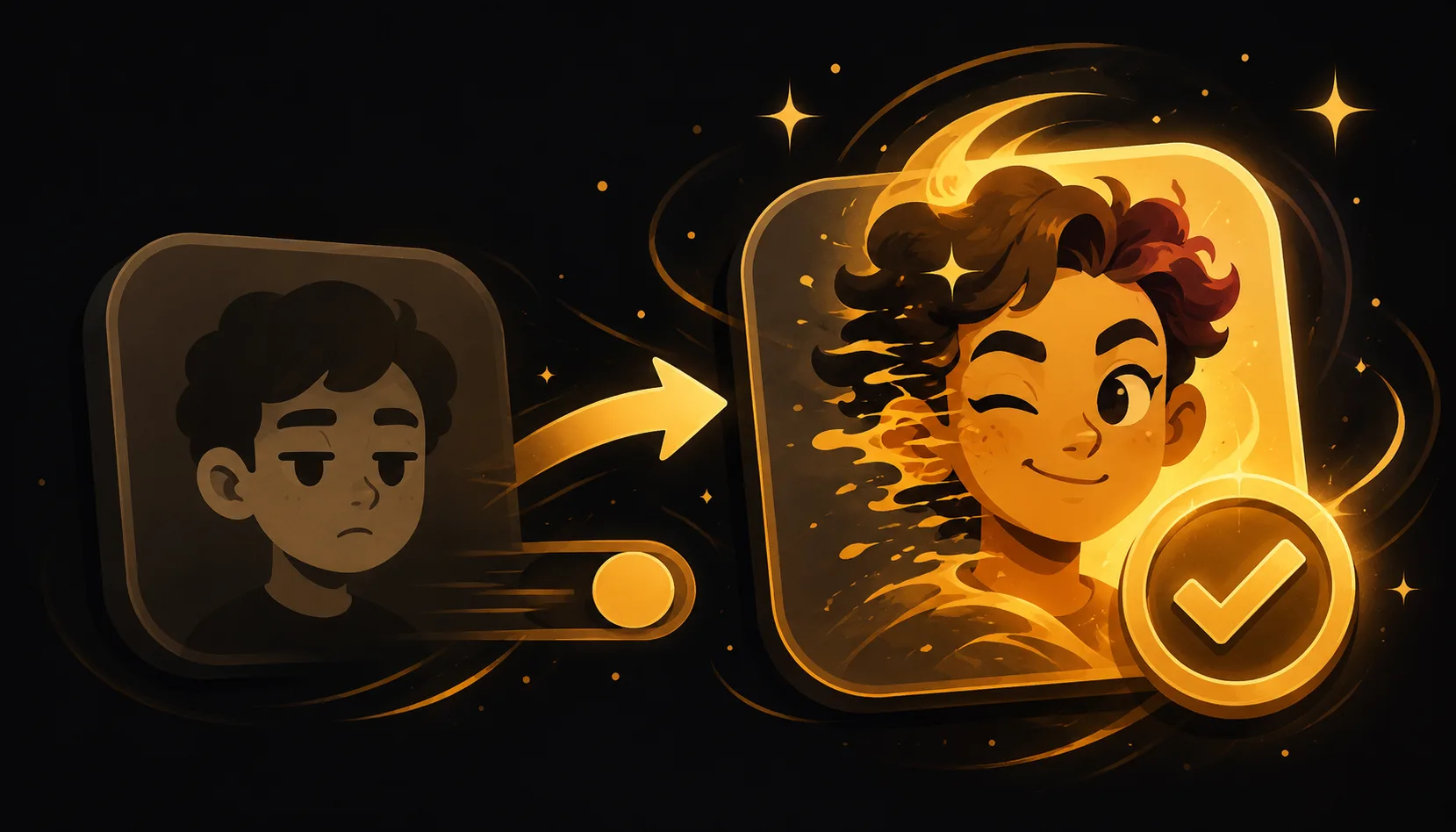
If you searched for a FaceApp alternative because you want a real morph animation, you are after a different tool than a filter app. Filter-style apps mostly do age, gender and style edits to a single photo. A face-morph app blends two faces into a smooth, visible transition you can export as video or GIF. They solve different problems.
Why a filter app and a morph app are not the same thing
It is easy to lump everything "face" together, but the App Store hides a real category split. Apps in the FaceApp mold focus on editing one photo: making a face look older or younger, changing a hairstyle, smoothing skin, or applying a style. The result is a still image of the same person, transformed.
A morph is animation, not a single edit. It takes two photos you choose and creates the in-between frames so one face melts into the other. You actually watch the transition happen, and the output is a short clip you can save and share. Neither approach is "better," they just do different jobs. If you want a moving blend between two faces, a photo-editing filter will not produce it, and that mismatch is usually what sends people looking for an alternative.
What you want vs what a filter app does vs what a morph app does
Here is the plain comparison, kept at the category level so you can match the right tool to the result in your head.
| What you want | Filter / photo-edit app | Dedicated morph app |
|---|---|---|
| A face slowly turning into another face | Not the focus | Yes, that is the whole point |
| Output as a moving clip (video or GIF) | Usually a still image | Yes, real video and GIF |
| Editable control points for a clean blend | Rarely | Yes, drag points by hand |
| Blend 3 or more faces in one animation | No | Yes, multi-face sequence |
| Honest, visible transformation | Single-photo edit | Yes, you see the blend the whole time |
| Make an older / younger / styled selfie | Yes, that is its strength | Not what it is for |
Read it this way: if your goal sentence is "make this selfie look older," a filter app fits. If your goal sentence is "blend these two faces into a smooth transition," you want a morph app.
How a real morph animation actually works
A morph lines up the key features on both faces, the eyes, nose and mouth, then generates frames that gradually pull the first face into the shape and color of the second. Because both of your real photos stay visible through the blend, nothing is hidden and nothing is fabricated. It is an honest effect: you can see exactly where one face ends and the other begins, frame by frame.
That alignment step is also where quality lives. Automatic point placement gets you close, but being able to nudge a few points by hand is what removes the blurry "ghosting" you sometimes see in cheap cross-fades. A good morph app gives you that control instead of guessing.
Where Morphing fits as a dedicated morph app
Morphing is built specifically for morph animation, not photo filters. It blends faces you pick from your own library and shows the transition openly. A few things make it a proper morph studio rather than a one-tap novelty:
- Hand-editable morph points, so you drag the eyes and mouth into place for a crisp, ghost-free blend.
- Multi-face morphs, chaining 3 or more faces into one continuous animation instead of just A to B.
- Real export to video and GIF, ready to post or send.
- Fully on-device, with no account and nothing uploaded to a server.
It does not try to make you look 40 years older or swap your face onto someone else. It does one thing well: turn two or more of your own photos into a smooth, honest morph.
How to make your first morph
- Open Morphing and start a new morph.
- Add two clear, front-facing photos from your library (people you have permission to use, your own face is always safe).
- Let it auto-place the points on the eyes, nose and mouth.
- Drag a few points by hand for a clean blend.
- Add a third face if you want a multi-face sequence.
- Export to video or GIF and share it.
The whole flow takes about a minute.
A quick, honest note on using photos
Morphs are most fun with friends, family, a partner, or your own face across the years. Always use photos you have the right to use. For any celebrity or lookalike idea, blend your own photos rather than a real person's image without consent. The charm of a morph is that it is open and consensual, both faces are right there for everyone to see.
Want to compare more options first? Browse the blog for guides on morphing two faces, multi-face animations and the difference between morphs, swaps and deepfakes. When you are ready to make a real morph animation, get Morphing.