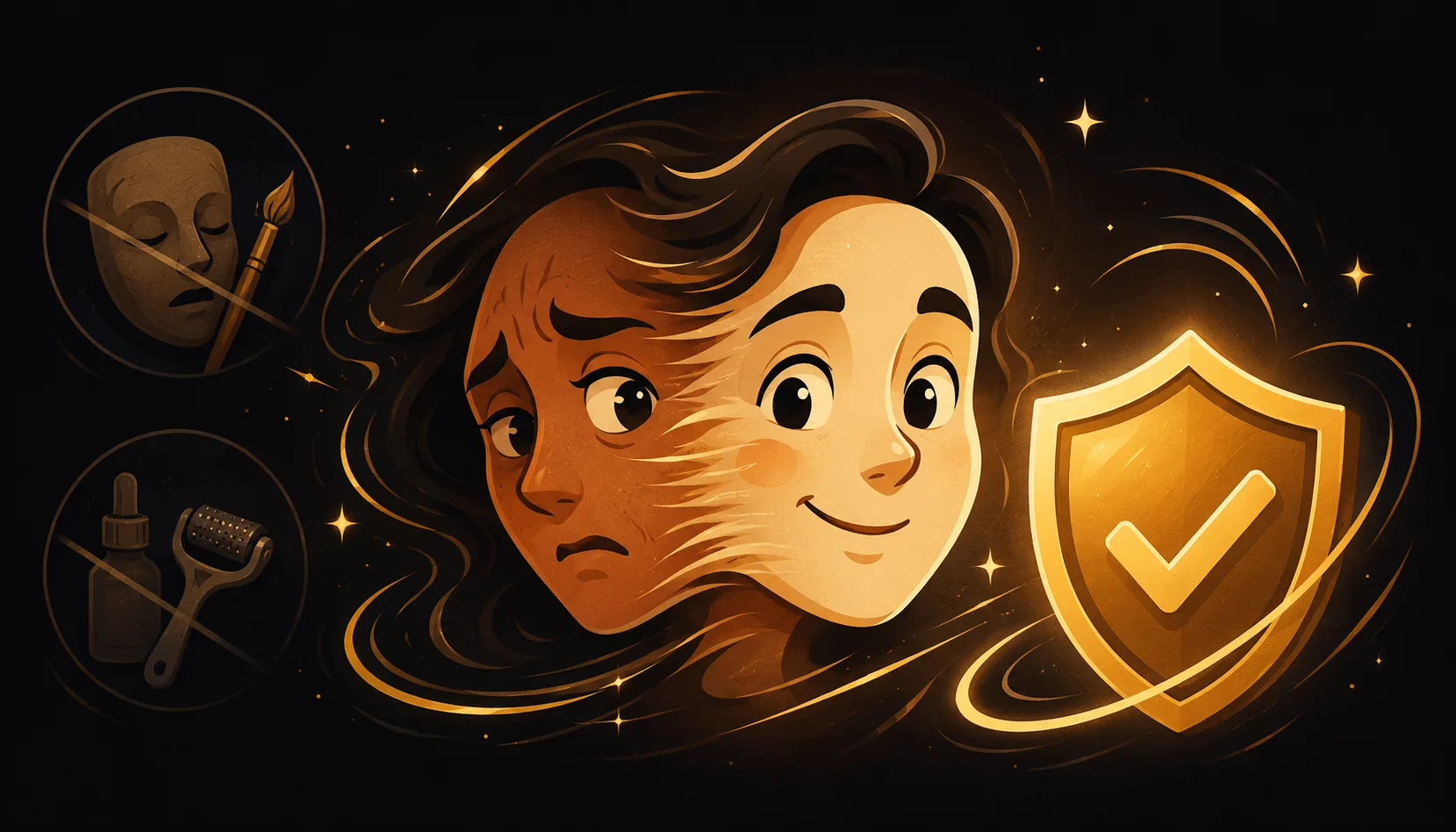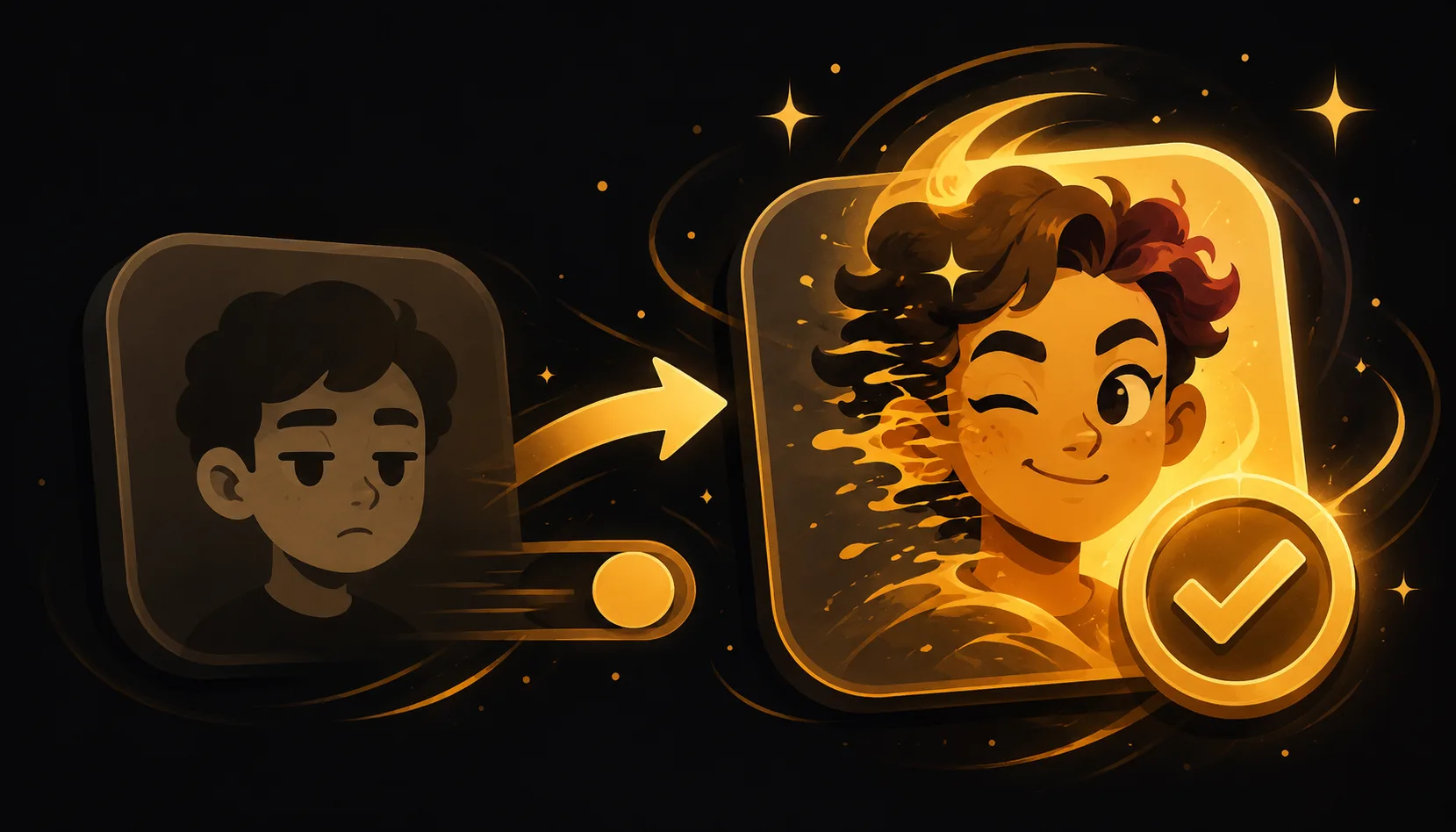
The best face morph app for iPhone is the one that does true morph animation: a smooth, frame-by-frame blend between photos you choose, with hand-editable points, multi-face support, real export to video and GIF, and on-device processing so nothing is uploaded. Many popular "face" apps are actually face-swap or AI-generation tools, not morph apps.
What actually makes a face morph app good?
A real face morph animates one face melting into another through in-between frames. That is different from a face swap (pasting a face onto another photo) and from AI generators (inventing a new image). Before you pick an app, it helps to know which category it falls into, because the App Store lumps them together under similar keywords.
When you are comparing options, look for these seven things. They separate a genuine morph studio from a one-tap novelty.
| What to look for | Why it matters | Morphing |
|---|---|---|
| True morph animation | A smooth blend, not a swap or a generated image | Yes, frame-by-frame morph |
| Hand-editable points | You drag the control points so eyes meet eyes, killing the blurry "ghosting" | Yes, fully hand-editable |
| Multi-face (3+) | Chain several faces into one continuous animation | Yes, 2 to 10 faces |
| Export to video and GIF | Real MP4 and GIF you can post or send | Yes, high quality |
| On-device, no upload | Photos never leave your phone | Yes, fully on-device |
| No account | Open and create, no signup | Yes, no account |
| Watermark-free option | Clean output you can share | Yes, on Pro |
Treat this as a checklist. An app that misses several rows is probably solving a different problem than the one you have.
Why are so many "face apps" not actually morph apps?
If you search the App Store for face effects, most results fall into two buckets that are not morphing at all.
- Face-swap apps lift one face and paste it onto another photo or a template. The output is a single edited image, not an animated blend.
- AI image or video generators invent new frames from a prompt or a single selfie. They can produce striking results, but they are creating, not honestly transitioning between your real photos.
Neither is "wrong," they are just different tools. A morph keeps both of your real faces visible and shows the in-between, which is exactly what makes the animation feel honest and fun. To go deeper on the difference, the pillar guide on the blog walks through it step by step.
How should I test an app before committing?
You can size up any candidate in about two minutes with your own photos.
- Add two clear, front-facing photos of people you have permission to use (your own face is always the safe choice).
- Check the control points. Can you drag them by hand, or is it fully automatic? Hand control is the single biggest quality difference.
- Add a third face. If it only does A to B, it is a cross-fade, not a true multi-face morph.
- Export and inspect. Does it give you a real MP4 and a GIF, at good quality, without a forced watermark?
- Check the privacy basics. Does it work offline and skip the account? If photos are uploaded to a server, you will usually see a sign-in wall.
Whatever app passes those five steps is worth keeping.
Where does Morphing fit against these criteria?
Morphing is built specifically for true morph animation, so it lines up with the full checklist above. It blends 2 to 10 faces into one continuous animation, lets you drag every control point by hand for a crisp result, and exports to MP4 and GIF in high quality. You can add music and sync it, or freeze a single fused face from two people as a still.
It is also private by design. Face detection and morphing run entirely on your iPhone, nothing is uploaded, and there is no account. The watermark-free export comes with Pro. If that matches what you want, you can get the app and make your first morph in about a minute.
A quick word on responsible use
A morph is most fun with friends, family, partners, or your own face across the years. Always use photos you have the right to use. For any "celebrity lookalike" idea, use your own photos rather than a real person's image without consent. Morphing keeps both faces visible and honest, which is the whole charm of the effect.