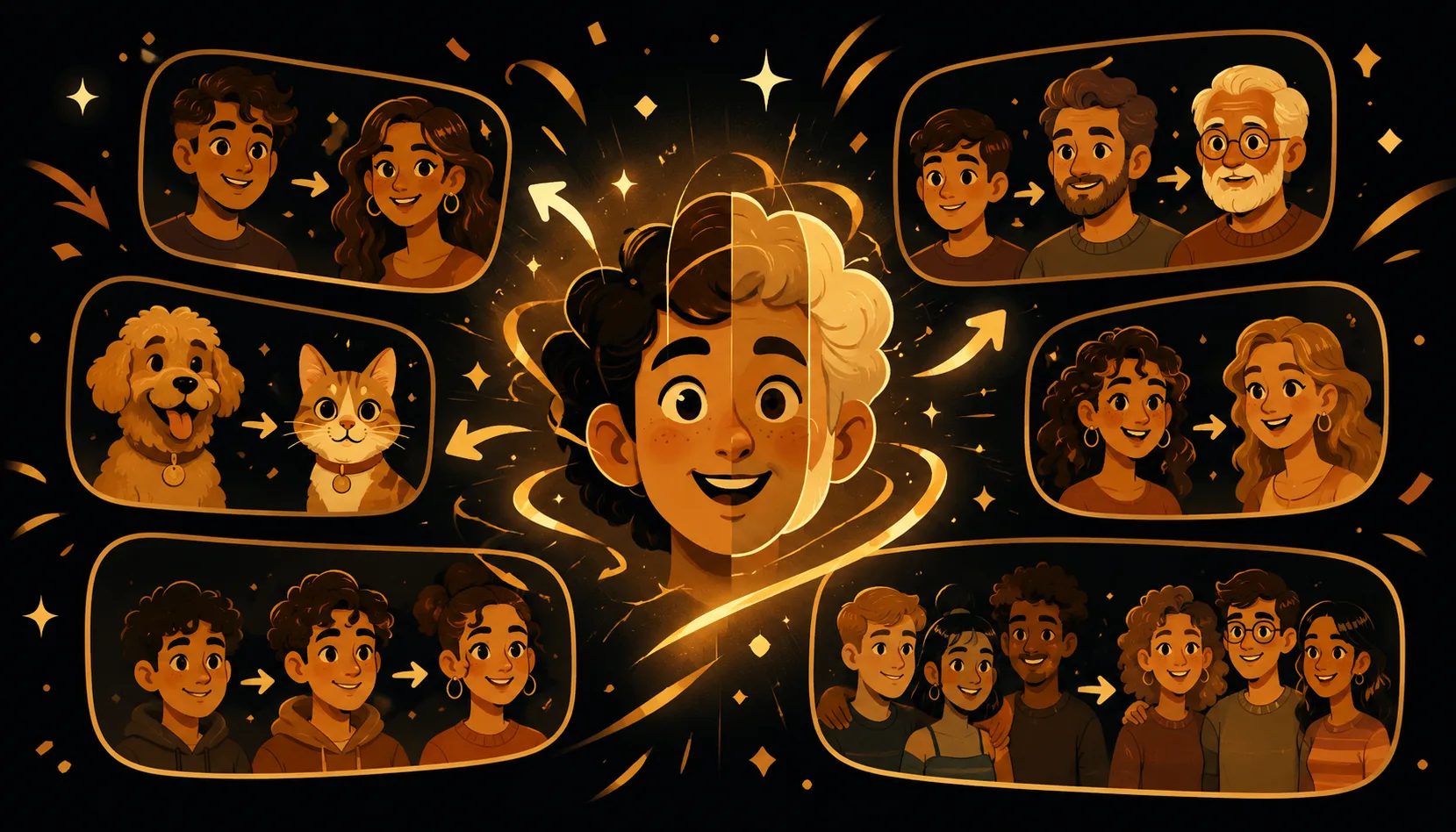
Stuck for something to morph? Here are 10 fun, easy face morph ideas and challenges, all using photos you already own. Each one is a smooth, honest blend between faces you choose, made in about a minute on your iPhone with Morphing: add two photos, tune the points, then export to video or GIF.
What makes a good face morph idea?
The best morphs pair two faces (or a face and an animal) that share a clear front-facing angle and visible eyes, so the in-between frames stay crisp instead of smearing. A simple tip that applies to every idea below: drag the morph points so the eyes meet the eyes and the mouth meets the mouth. That five-second nudge is the single biggest quality boost, and it is something most one-tap apps do not let you do.
Use only your own photos, or photos you have permission to use. That keeps every idea here friendly and fair.
10 fun face morph ideas and challenges
-
You and your partner. Blend your two faces into one for a sweet "what would our combo look like" clip. Pick two head-on selfies with similar lighting, line up the eyes, and let it melt back and forth.
-
You and your pet. Morph your face with your cat or dog for a hilarious "we really do look alike" reveal. Choose a front-facing pet photo with both eyes showing, then nudge your eyes onto theirs.
-
Family generations. Chain grandparent into parent into you to see the family resemblance flow across decades. Morphing can morph 3+ faces in one continuous animation, so add them oldest to youngest.
-
A friend group. Each friend melts into the next in one shareable video, perfect for a group chat or a birthday. Gather a clear photo of everyone at a similar size and stitch them in a fun order.
-
You into an animal. Try the classic "what animal are you" by blending your face with a lion, tiger or owl. Front-facing animals with two visible eyes blend the cleanest. (We have a whole guide on this in the blog.)
-
A glow-up over the years. Morph a younger you into a recent you for a satisfying then-into-now transformation. Two photos at a similar angle make the change feel smooth rather than jumpy.
-
A baby-look, just for fun. Blend your face with a younger childhood photo of yourself to soften your features for a playful "baby filter" effect, using only your own pictures.
-
A lookalike, using your own photo. Think you resemble someone? Settle it by morphing two of your OWN photos taken on different days or in different styles, and keep the funniest blend. Always use your own pictures, never a real person's photo without consent.
-
A team, band or cast. Morph your sports team, bandmates or friend-group "cast" one into the next for a fun intro clip. Crop each photo so every head fills a similar area of the frame.
-
A then-and-now duo. Pick any two moments, like first day versus last day, summer versus winter, or clean-shaven versus beard, and watch one slide into the other. Even lighting on both shots reads best.
How do you make any of these morphs?
Every idea above uses the exact same quick flow, so once you learn it you can run through all ten.
- Open Morphing and tap to start a new morph.
- Add your photos. Two faces for a classic blend, or three-plus for a chain like family generations or a friend group.
- Let it place the points. Morphing drops control points on the eyes, nose and mouth automatically.
- Drag the points for a clean blend. Match your eyes to the other eyes and your mouth to the other mouth. This is where the magic happens.
- Preview, then add music if you want a soundtrack for the reveal.
- Export to video or GIF and share it.
No account, and nothing is uploaded to a server. The whole thing runs on your iPhone.
Which format should you export?
Pick based on where the morph is going.
| Format | Best for | Loops |
|---|---|---|
| Video (MP4) | Reels, TikTok, Stories, messaging | No |
| GIF | Group chats and quick reactions | Yes |
Both export at high quality straight to your photo library. Because Morphing works entirely on your device, your photos never leave the phone and it keeps working with no signal.
Quick tips to make every idea look great
- Front-facing beats profile, and two visible eyes beat one.
- Match head sizes. Crop so each face fills a similar area of the frame.
- Keep lighting even and backgrounds simple, so the faces stay the focus.
- Spend ten seconds on the points. A few small nudges turn a blurry blend into a crisp one.
Got an idea you want to try? Get Morphing and make your first one in about a minute. Want more inspiration and how-tos? Browse the blog.