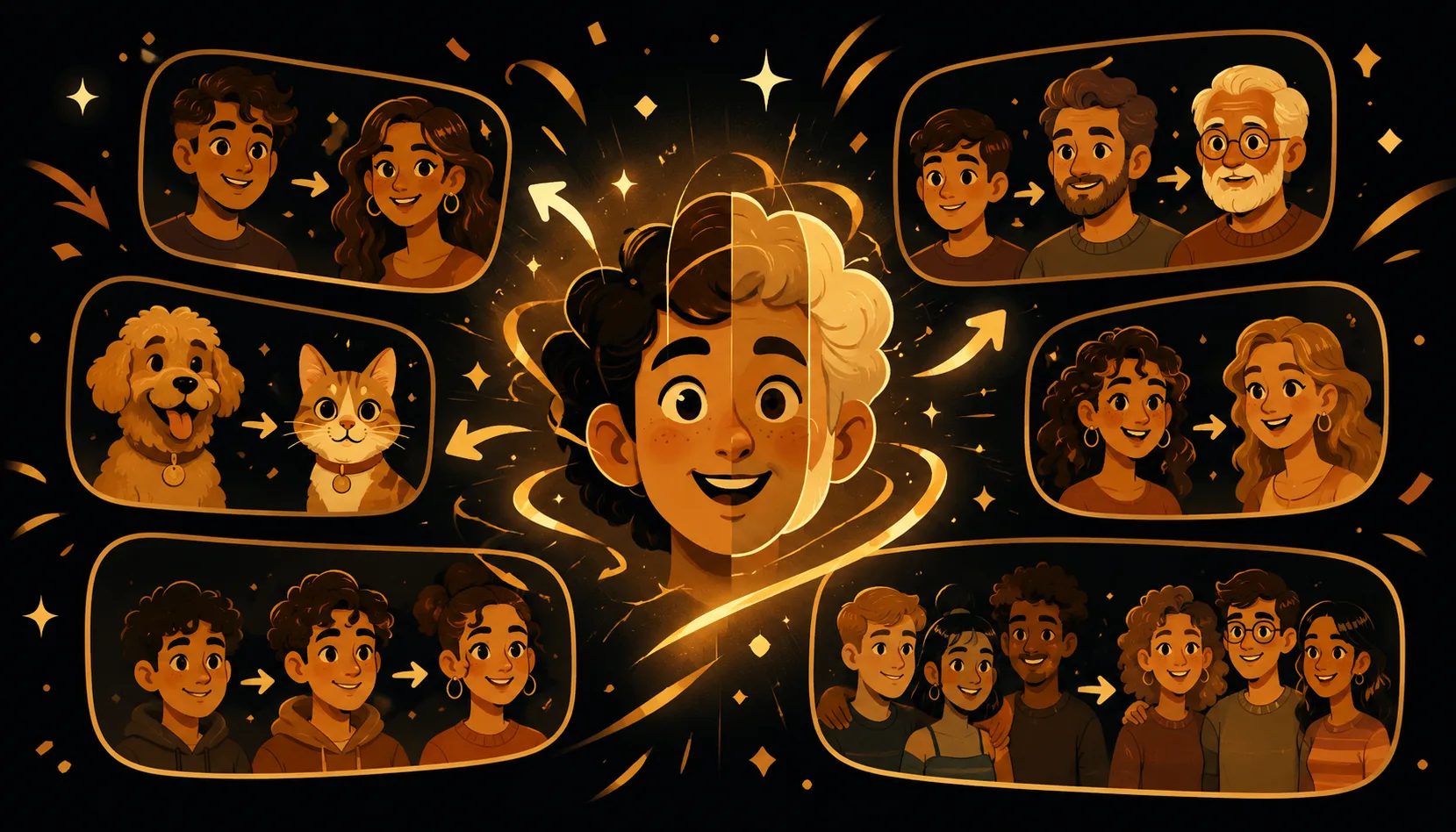
Want to see what your future baby might look like? A baby face morph blends two faces into one cute in-between, purely for fun. It is not a genetic prediction or science. Just pick your own photos (you and your partner, or any two willing people), morph them together, and share the giggle-worthy result.
What is a baby face morph?
A baby face morph takes two faces and averages them into a single new face that sits halfway between the two. Morphing's Blend tool freezes that fused face so you get one cute, shareable picture instead of just a passing frame. People love calling it a "what would our baby look like" image, but really it is a playful blend of the two photos you chose, nothing more.
It is the same honest technique behind every Morphing animation: a visible mix between faces you provide. No swapping one person's face onto a stranger, no pretending to be someone else. Just two real photos melting into a charming middle.
Is this a real prediction of what our baby will look like?
No, and that is the fun of it. A morph has zero connection to genetics, DNA, eye-color odds, or anything a real baby inherits. It simply paints the mathematical average of two faces. Two parents could have a dozen kids who all look different, and a morph cannot capture any of that.
Think of it like a party game or a fortune-cookie message: enjoyable, surprising, totally unscientific. Treat the result as a giggle and a screenshot, never as a forecast.
How to make a baby face morph, step by step
Here is the quick version using Morphing on iPhone:
- Open Morphing and start a new morph.
- Add two clear, front-facing photos, one of each person. Use your OWN photos: you and your partner, two willing friends, or two family members who said yes.
- Let the app detect the faces. For the best baby-blend, pick photos with similar angle, lighting, and a relaxed expression.
- Switch to the Blend tool to freeze a single fused face instead of a full animation.
- Fine tune the mix. Slide closer to one parent or sit it right in the middle for a true 50/50.
- Nudge the editable morph points if the eyes, nose, or mouth do not line up. Small tweaks make the "baby" look much cuter and more natural.
- Save the image, or export the whole morph to video or GIF if you want the faces melting together on screen.
- Share it with the caption "our future baby" and enjoy the reactions.
The whole thing runs on-device. No account, nothing uploaded, so your family photos stay on your phone.
Tips for a cuter, funnier result
A few small choices make a big difference:
| Goal | What to do |
|---|---|
| Cleaner blend | Use front-facing photos with similar head angles |
| Softer, baby-like face | Choose gentle, neutral expressions over big toothy grins |
| Balanced look | Keep the Blend slider near the middle for a true mix |
| Fix odd features | Drag the editable points so eyes and mouth align |
| Extra laughs | Morph 3+ faces, like both parents plus a grandparent |
That last one is a Morphing specialty. Because you can blend up to 10 faces, you can toss in a sibling or grandparent and see a "whole-family baby." It is ridiculous and it is great.
A quick, lighthearted disclaimer
Let's keep this crystal clear: a baby face morph is entertainment, not a prediction. It will not tell you your child's hair color, height, dimples, or anything else. It is a silly, sweet blend of two photos for laughs and sharing. If anyone treats the result as a real forecast, gently remind them it is just a fun image. Have your giggle, post it, and move on.
Who can you morph (and who you shouldn't)
Stick to people who are happy to take part. You and your partner, close friends who are in on the joke, or relatives who gave the thumbs-up are all perfect. Always use your OWN photos and get a yes before you post.
Please do not grab a stranger's or a celebrity's picture for a "baby" morph. Beyond being uncool, it misses the point. The fun comes from blending faces you actually know and love. Want a celebrity-flavored idea instead? Morph two of your own photos and joke about which famous face you each resemble.
Ready to meet your imaginary little one? Open Morphing, pick two photos, and start blending. For more playful ideas, browse the blog.